
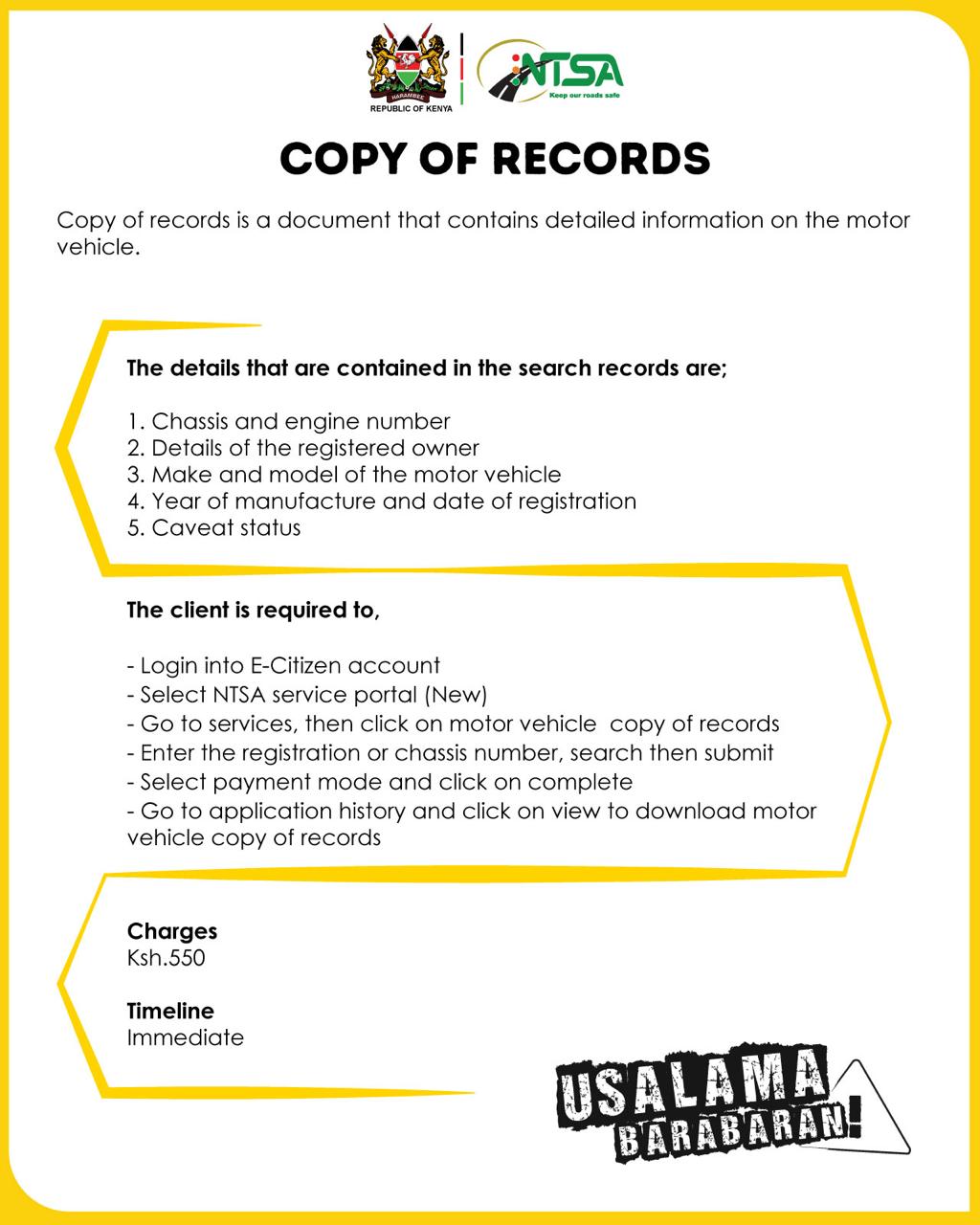
Follow this easy steps to help you get the vehicle registration particulars and verify ownership of the vehicle:
- Login to Ecitizen then click National Transport Safety Authority (NTSA).
- Select “Online Search” on the left hand side of the web-page
- In the text box labelled “Registration Number” Type the vehicle’s number plate without space, for example, KAA567A
- Click on “ENQUIRE” button, the vehicle registration will appear in the list
- Click on the car to select it(there will be a black tick once it is selected
- Click “NEXT”to see amount payable
- Click “NEXT” to make payment
- Select your payment method and follow the instructions on the website to download the requested registration information.
Discover more from Magari Poa
Subscribe to get the latest posts sent to your email.